Advanced Diff Engine — Powered by SwiftSyntax

See code changes like never before

A Git GUI for macOS with the most advanced diff visualization engine. Structural diffs that understand your code, semantic equivalence detection, word-level highlighting, and deep GitHub integration. Open source and local-first.

curl -fsSL https://raw.githubusercontent.com/Nicolas-Arsenault/GitFlow/main/scripts/install.sh | bash
View on GitHub
- Stars
AST Structural Diffs
GitHub Integration
MIT License
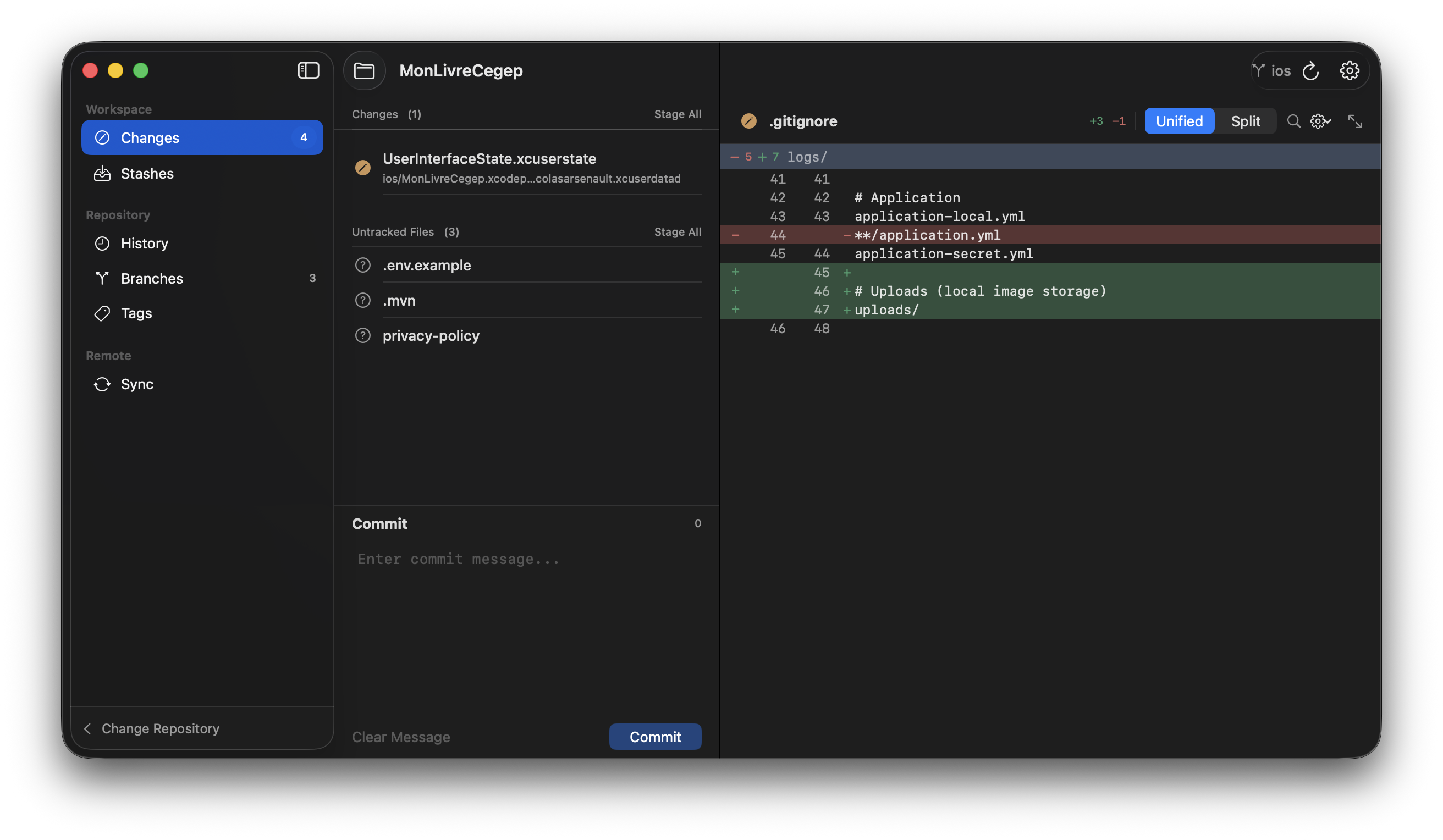
GitFlow - Changes View with Diff Visualization

More than just line-by-line diffs

Traditional diffs show text changes. GitFlow understands code structure.

Structural Diffs

Powered by SwiftSyntax AST parsing. See functions, classes, and methods that changed—not just lines.

Semantic Equivalence

Detect when code changes are semantically equivalent—reformatting, reordering, or renaming that doesn't change behavior.

Change Impact Analysis

Understand how changes propagate through your codebase. See what callers and dependents are affected.

Native macOS

Built with SwiftUI for macOS 13+. Apple Silicon optimized. Buttery smooth even with massive diffs.

GitHub Integration

OAuth login, clone repos, manage pull requests, review code, and merge—all from within GitFlow.

Local-First

Your code never leaves your machine. Full offline workflow. Open source and privacy-focused.

Deep GitHub Integration

Full GitHub workflow support. Clone, browse, review, and merge—without leaving GitFlow.

OAuth Authentication

Secure login with GitHub OAuth

Pull Requests

Create, review, and merge PRs

Code Reviews

Add comments and approve changes

Clone Repos

Browse and clone your repositories

The most advanced diff engine for macOS

Powered by SwiftSyntax AST parsing. GitFlow doesn't just show you what lines changed—it shows you what code changed.

  • Structural Diff View

    See added, modified, and removed functions, classes, and methods—not just lines.

  • Semantic Equivalence Detection

    Automatically detect when changes are just reformatting or reordering.

  • Change Impact Analysis

    See which callers and dependents are affected by your changes.

  • Word-Level Highlighting

    Smart tokenization identifies exactly what changed within each line.

  • Split & Unified Views

    Toggle between side-by-side and inline diff modes with synchronized scrolling.
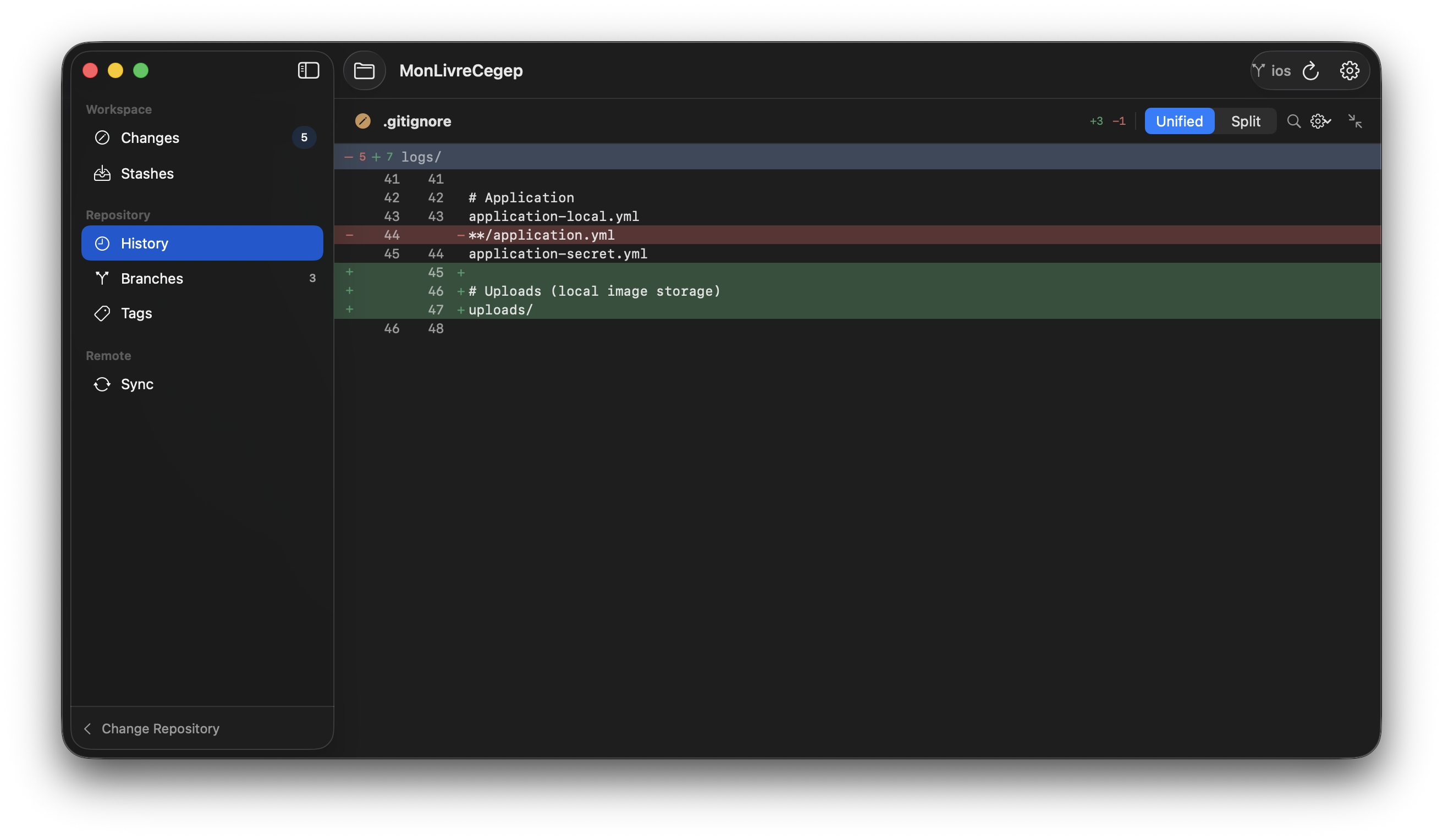
GitFlow - History View

Everything Else You Need

A complete Git client with all the features you'd expect—and more.

Syntax Highlighting (200+ Languages)
Image Diffing (PNG, JPG)
Three-Way Merge Editor
Partial Staging (Lines/Hunks)
Interactive Rebase Editor
Commit Graph Visualization
Stash Management
Submodule Support
Reflog Recovery
GPG Commit Signing
Command Palette (⌘K)
Blame View with Age

Installation

Get GitFlow up and running in seconds with a single command.

One-Line Install

Run this command in Terminal to download and install the latest version:

curl -fsSL https://raw.githubusercontent.com/Nicolas-Arsenault/GitFlow/main/scripts/install.sh | bash

The installer automatically downloads the latest release, installs to /Applications, and configures security settings.

Open Source & Free Forever

GitFlow is completely open source under the MIT license. Built with SwiftSyntax for structural code analysis. Star us on GitHub!

View Repository